Skip to content
WorkspaceResume builder

Free resume builder

Build and preview online. Sign in to download your manual resume as PDF or editable Word for free. No credit card required.

Export resume
Import from LinkedIn Optional
Sign in to import from LinkedIn (2 free imports / 30 days).Sign in →
1

Upload your LinkedIn PDF Recommended

How to get your LinkedIn PDF:

  1. Go to your LinkedIn profile page
  2. Click the More button (below your name)
  3. Select "Save to PDF" — it downloads immediately
  4. Upload that file below
2

Or paste your profile text

Open your LinkedIn profile in a browser, select all text (Ctrl+A / Cmd+A), copy it, and paste below.

01Personal details

02Profile

0 chars

03Experience

Position 1

04Skills

Press Enter or comma to add. Separate multiple with commas.

05Education

Entry 1

Export your resume

PDF matches your live preview. DOCX keeps your selected layout and editable text. Spacing can vary in Word. Create a free account or sign in to download. Your draft returns after sign-in in this browser.

Built your resume? Head to Optimize to tailor it to a job description.
From first draft to download

Create a resume online and download it free

Resumiq's free resume builder helps you organize your experience, skills and education in 12 editable templates. Start writing and previewing without an account. Sign in to download your manually edited resume as a PDF or editable Word document for free, with no credit card required.

Already have a resume and a job posting? Open the AI resume optimizer to compare your evidence with the role and review suggested edits. Building a first draft and tailoring an existing resume have different inputs and access limits.

What is free in the resume builder?

Manual editing and template previews

Enter your own content, switch layouts and check the preview before signing in. Manual editing does not use a tailoring credit.

Free PDF and Word downloads

Sign in to download your manual-builder resume as PDF or DOCX. These exports do not require a subscription or an AI tailoring credit.

Saving to your account

Account storage requires active Pro or Application Pack access. Download and keep your own copy of a manually built resume on the free plan.

AI resume optimization

The separate optimizer includes one successful tailoring credit every 30 days after sign-in, with on-screen results. AI resume downloads require Pro or an active Application Pack. Compare access details.

Free resume templates you can edit

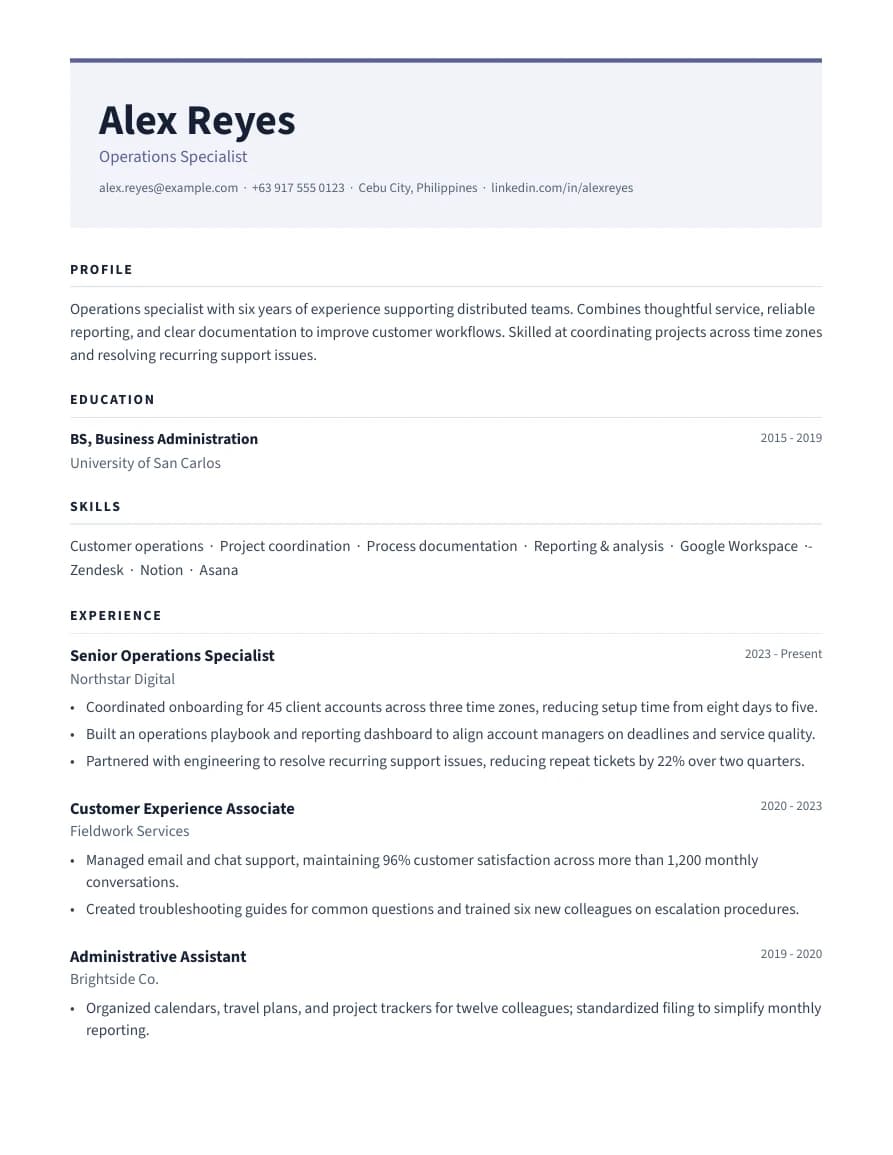
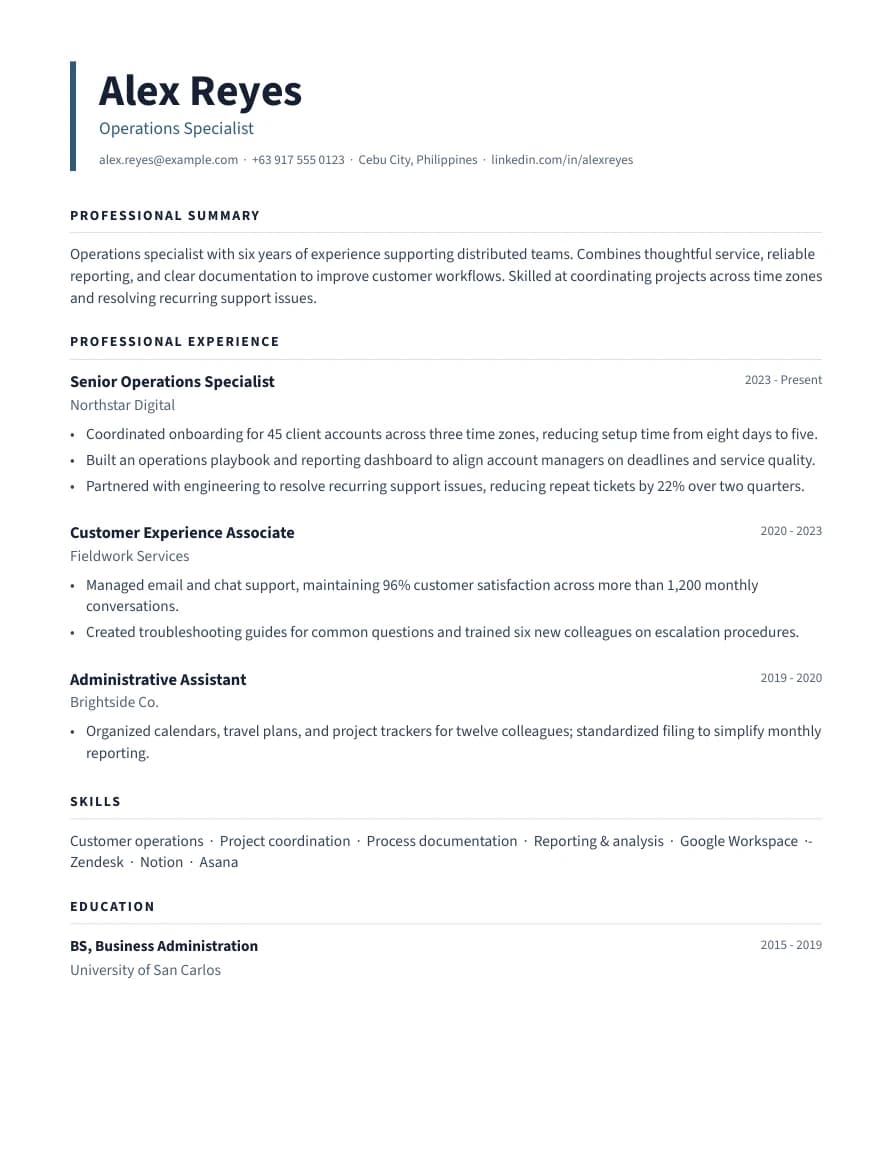
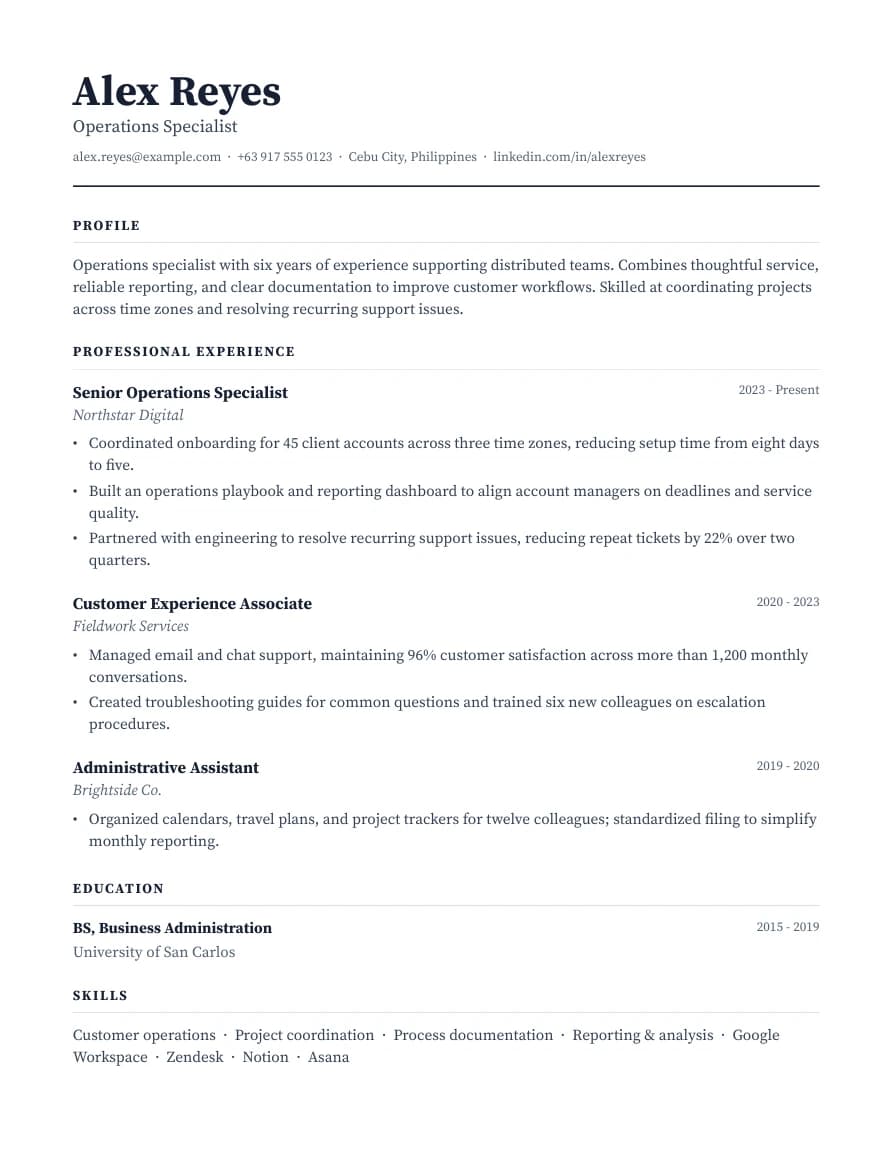
Choose a layout for the content you actually have. These previews use fictional sample details; replace them with your own information before applying. All 12 layouts are available in the editor above.

How to build and download your resume

  1. Choose a starting point. Begin with your details or an editable example. Keep any sample organization, date or achievement out of your final application unless it is your own.
  2. Describe your actual work. Add relevant employment, OJT, school projects, volunteering or freelance engagements. Use a task, a tool and an outcome you can explain; add numbers only when you can verify them.
  3. Preview the document. Check contact details, dates, spacing and page breaks. PDF keeps the selected layout; DOCX stays editable and may wrap differently in your word processor.
  4. Sign in and download. Use the PDF or Word export controls in the editor. Check the downloaded file and follow the employer's requested format.

For an online application, copy text from the finished file and check its reading order. A single-column layout is a practical starting point, but no template guarantees parsing in every employer's system. Read the PDF versus DOCX guide.

A starting point for your experience

The builder supports other careers too. Browse all editable resume examples or use your own content.