Free resume builder
Build and preview online. Sign in to download your manual resume as PDF or editable Word for free. No credit card required.
Choose a template
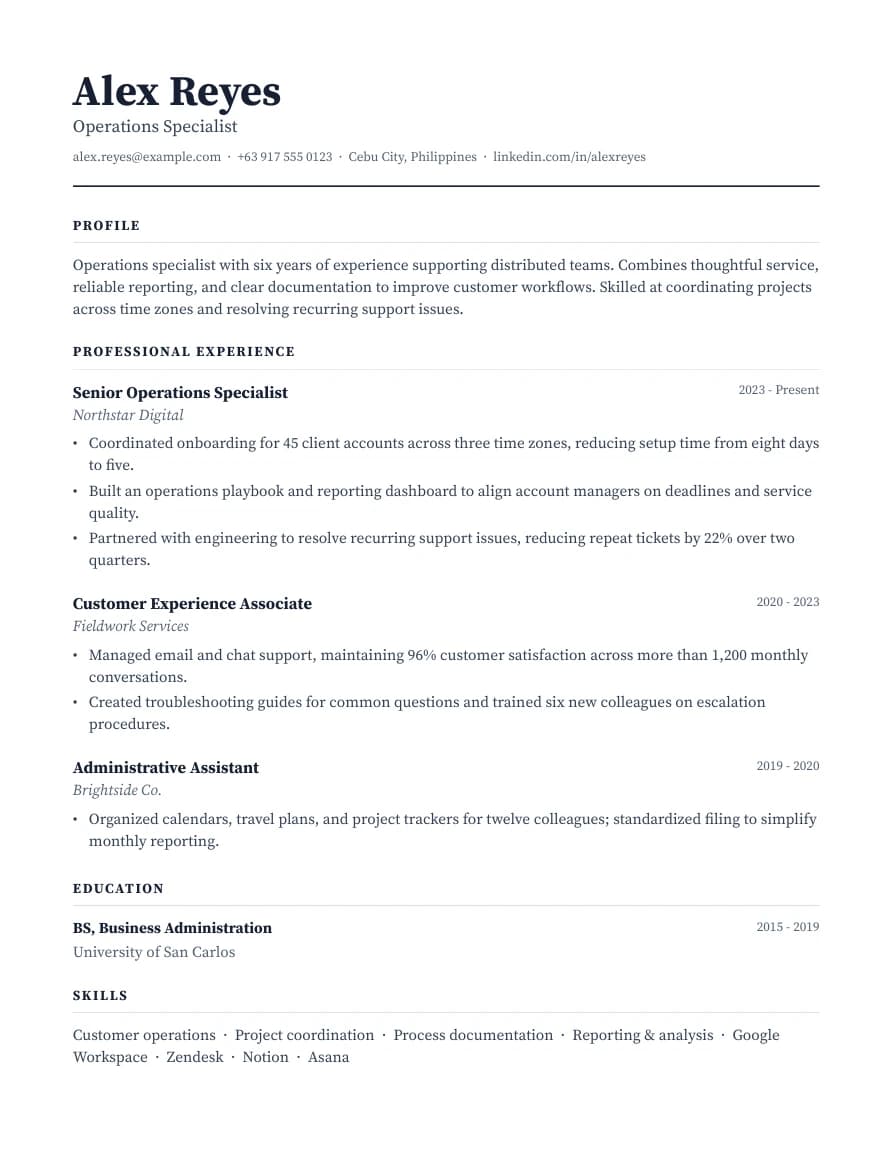
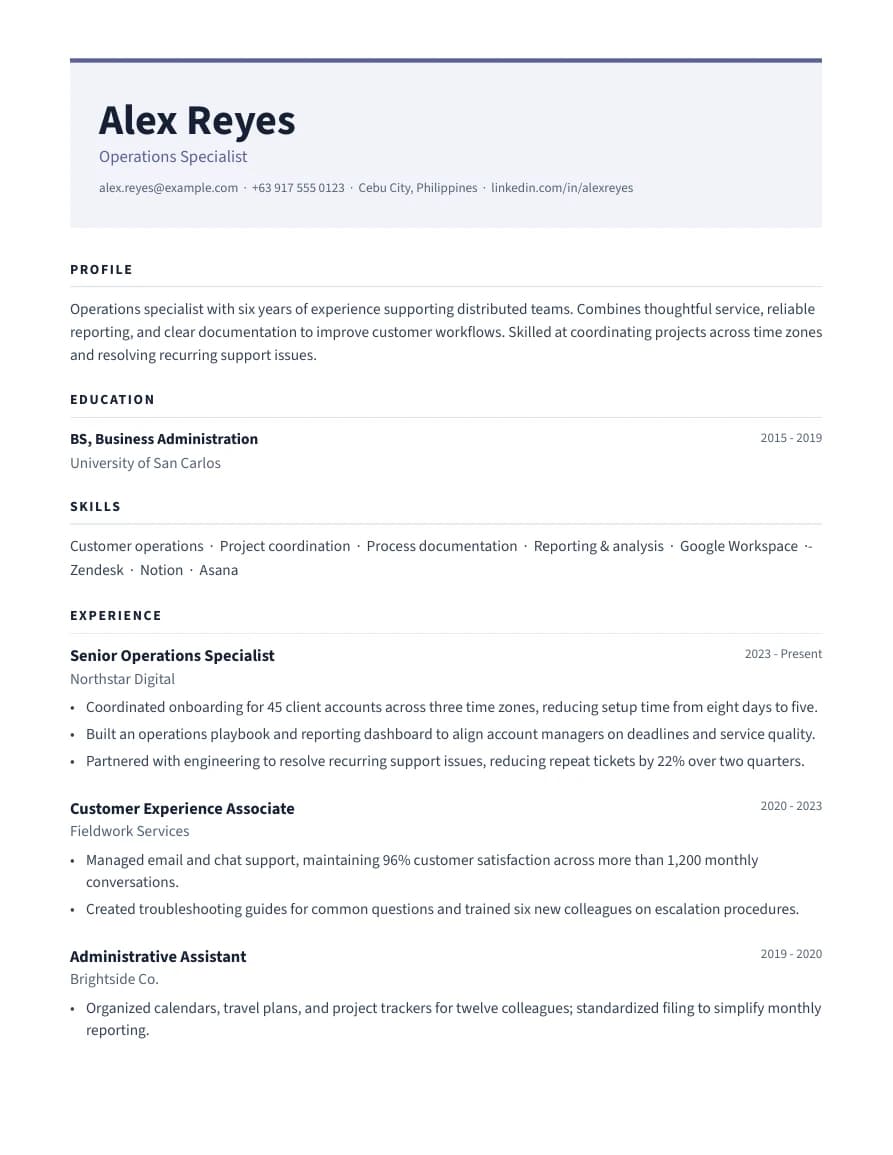
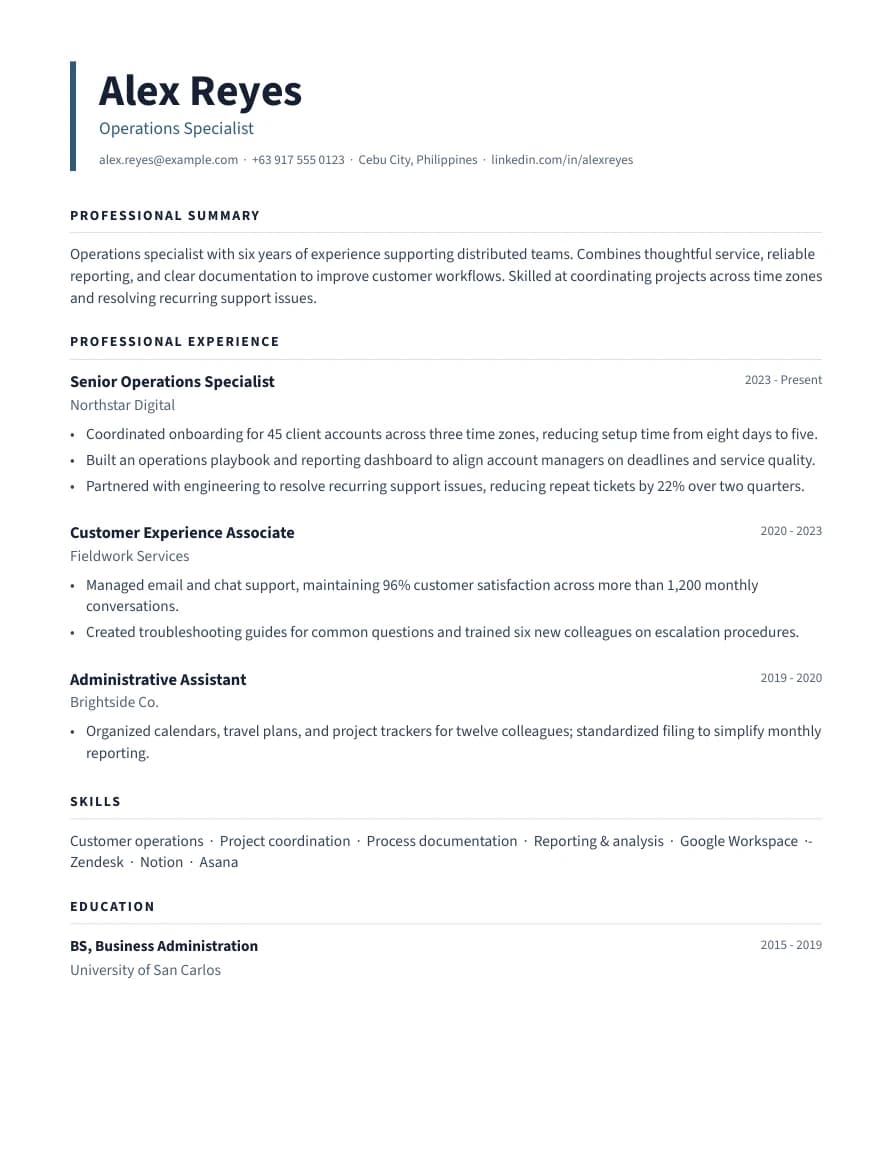
12 layoutsCompare different layouts and typography. Switch templates anytime without changing your content.
Import from LinkedIn Optional
Upload your LinkedIn PDF Recommended
How to get your LinkedIn PDF:
- Go to your LinkedIn profile page
- Click the More button (below your name)
- Select "Save to PDF" — it downloads immediately
- Upload that file below
Or paste your profile text
Open your LinkedIn profile in a browser, select all text (Ctrl+A / Cmd+A), copy it, and paste below.
01Personal details
02Profile
0 chars
03Experience
Position 1
04Projects
Optional. Add school, capstone, personal or practice projects here, separate from paid work.
05Skills
Press Enter or comma to add. Separate multiple with commas.
06Education
Entry 1
07Certifications
Optional. Licenses, certificates and eligibilities you hold, such as a National Certificate, a professional license or a Civil Service eligibility.
Export your resume
PDF matches your live preview. DOCX keeps your selected layout and editable text. Spacing can vary in Word. Create a free account or sign in to download. Your draft returns after sign-in in this browser.